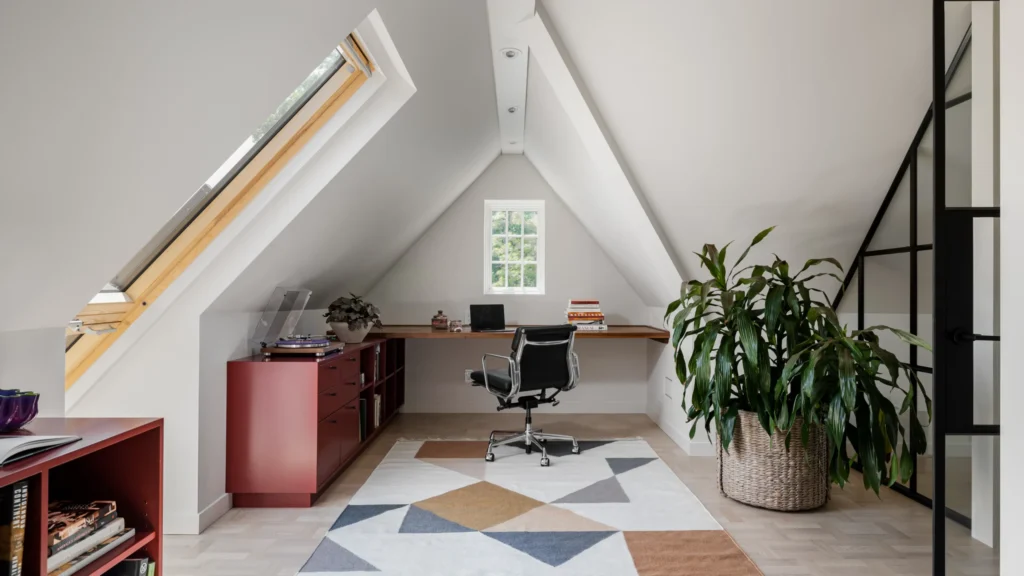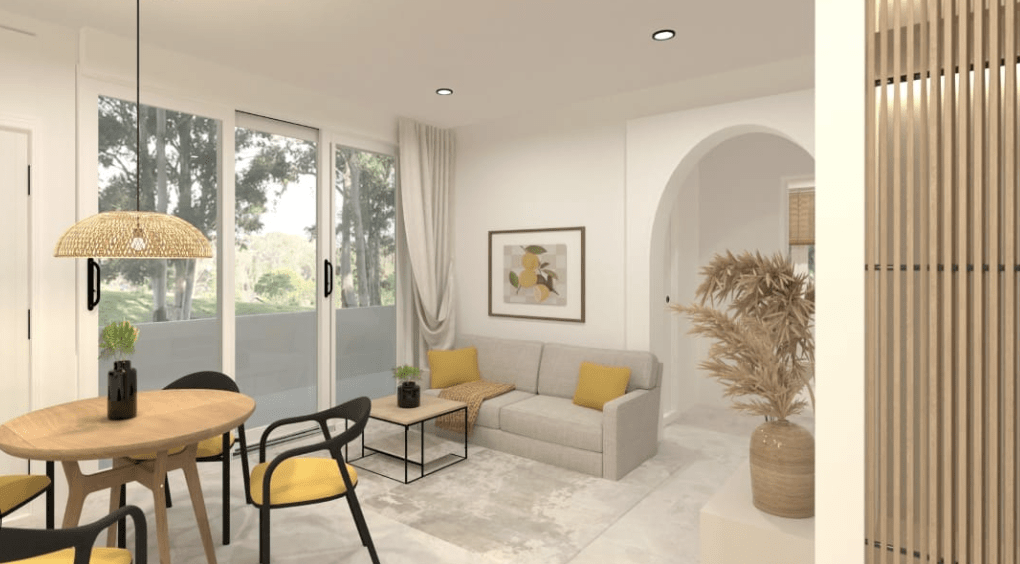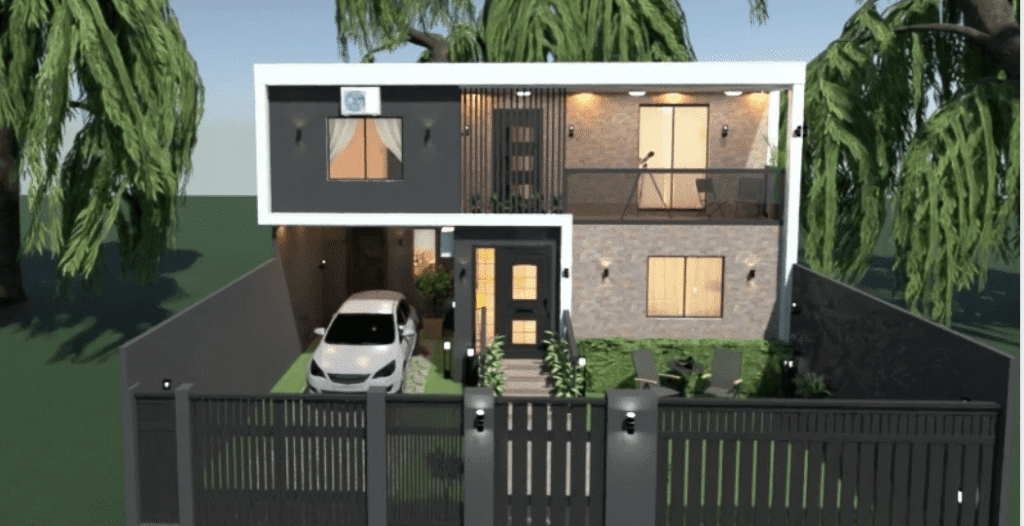
Designing a home or redesigning a room used to mean hiring professionals, buying expensive software, or settling for rough sketches that didn’t quite match reality. Today, digital planning tools have changed that completely. One platform that continues to stand out in this space is Planner 5D, a home design solution built for both beginners and experienced users who want realistic results without a steep learning curve.
Whether you’re planning a renovation, exploring interior design ideas, or just testing layouts before committing to big decisions, modern home design software has become an essential step in the process.
What Is Planner 5D and Why Is It So Popular?
Planner 5D is an intuitive home design platform that allows users to create 2D and 3D floor plans directly from their browser or mobile device. Unlike traditional architectural tools, it’s designed for everyday users, not just professionals.
What makes it popular globally is its balance between simplicity and depth. You can start with a blank canvas or pre-made templates, drag and drop walls, furniture, and décor, and instantly see your ideas come to life in realistic 3D visuals.
Key reasons users choose it include:
- No technical background required
- Cross-platform use (desktop, tablet, mobile)
- Realistic 3D rendering
- Large furniture and décor library
- Global measurement support (US, UK, metric)
This makes it appealing to a mixed audience, from homeowners and renters to students and hobby designers.
How Home Design Software Has Evolved
In the past, design tools focused heavily on professionals. They were powerful but complicated, expensive, and time-consuming to learn. Modern platforms focus on accessibility.
Today’s tools emphasize:
- Speed and ease of use
- Visual accuracy
- Real-time changes
- Cloud-based access
Planner 5D fits well into this new generation, where users can experiment freely without fear of “breaking” a design or wasting money.
Planner 5D vs Other Home Design Tools (Subtle Comparison)
When comparing Planner 5D to other popular home design platforms, the biggest difference often comes down to usability.
Many alternatives offer advanced features but:
- Require long tutorials
- Feel overwhelming for beginners
- Focus mainly on professionals
Planner 5D, on the other hand, focuses on progressive complexity. You can create a basic room in minutes, then gradually add lighting, textures, and custom elements as your confidence grows.
Some tools prioritize architectural precision, while others focus on inspiration boards. Planner 5D sits comfortably in the middle, offering realism without sacrificing ease of use. This makes it particularly attractive for users who want results quickly but still care about detail.
Key Features That Make Planning Easier
2D to 3D Conversion
Users can switch instantly between 2D floor plans and immersive 3D views, helping them understand space, proportions, and flow more clearly.
Customizable Furniture and Materials
From flooring and wall colors to furniture sizes, everything can be adjusted to reflect real-world dimensions and preferences.
Realistic Rendering
Lighting, shadows, and textures help designs feel lifelike, making it easier to visualize the final result before spending money.
Global-Friendly Design
The platform supports different measurement systems and design styles, making it suitable for US, UK, and international users alike.
Who Benefits Most from Using Planner 5D?
Planner 5D works well for:
- Homeowners planning renovations
- Renters testing layouts before moving
- Students learning interior design basics
- Real estate professionals creating visual mockups
- DIY enthusiasts exploring creative ideas
Its flexibility allows it to adapt to many use cases without locking users into a single workflow.
Common Mistakes People Avoid by Using Design Software
Many renovation and furnishing mistakes happen because people rely on imagination alone. Design software helps prevent:
- Buying furniture that doesn’t fit
- Poor room flow and spacing
- Awkward lighting placement
- Color combinations that clash
Visual planning reduces costly errors and improves decision-making.
FAQs
Is Planner 5D suitable for beginners?
Yes. The interface is designed to be intuitive, making it easy for first-time users to start designing immediately.
Can Planner 5D be used for professional projects?
While it’s beginner-friendly, many professionals use it for quick mockups, concept designs, and client visuals.
Does it work on mobile devices?
Yes. Planner 5D is available on desktop, tablet, and mobile platforms.
How does it compare to professional CAD software?
Professional CAD tools offer advanced technical precision, but Planner 5D focuses on speed, usability, and visualization.
Can I design an entire house?
Yes. Users can create multi-room and multi-floor designs.
Is it useful for small projects?
Absolutely. Even single-room layouts benefit from visual planning.
Final Thoughts
Home design no longer needs to be intimidating or expensive. Tools like Planner 5D empower everyday users to visualize ideas, test layouts, and make confident design decisions. By combining ease of use with realistic visuals, it bridges the gap between inspiration and execution, making it a valuable part of modern home planning.