

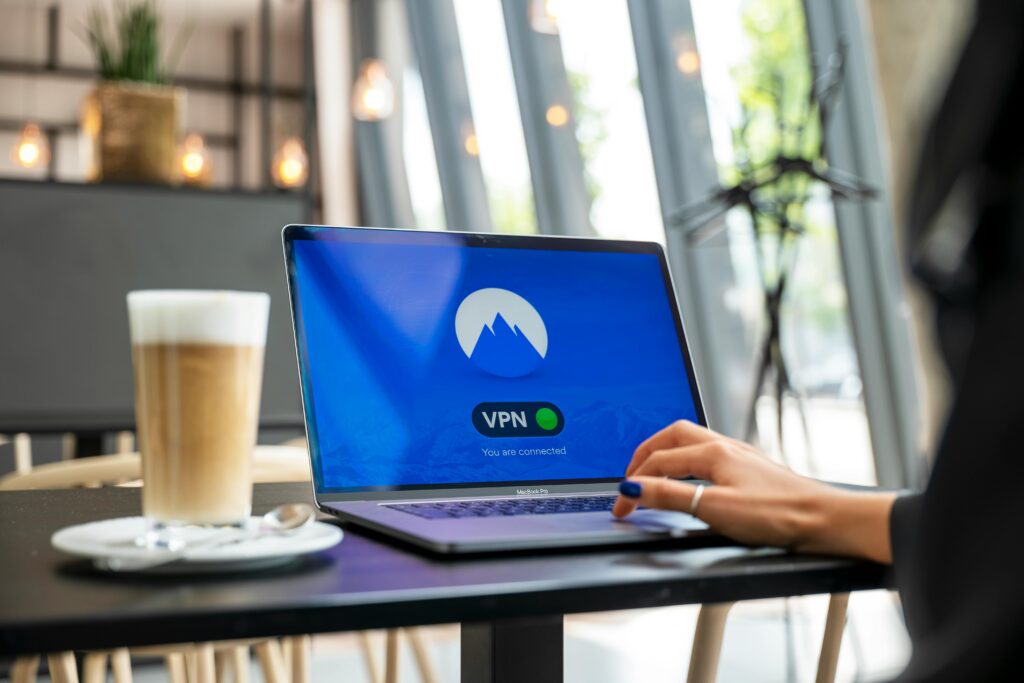



Public Wi-Fi is more convenient than ever, but still risky. Learn how modern threats work and what truly protects your data when connecting on the go.
Public Wi-Fi has become a normal part of everyday life. Airports, hotels, cafés, trains, stadiums, and coworking spaces all offer free internet access. For many people, these networks are essential for work, travel, and entertainment. Yet despite years of awareness campaigns, public Wi-Fi remains one of the most common sources of data exposure worldwide.
The danger isn’t always obvious. Connections appear fast, familiar, and harmless. But beneath the surface, public networks continue to be one of the easiest places for attackers to intercept data, track activity, and exploit unsecured devices.

This article explains why public Wi-Fi is still risky in 2026, how modern threats actually work, and what protection methods genuinely reduce risk—without relying on outdated assumptions.
Why Public Wi-Fi Hasn’t Become Safer Over Time
Many users assume that public Wi-Fi has improved simply because technology has advanced. While encryption standards and device security have evolved, attackers have adapted just as quickly.
Public networks remain dangerous because:
- They are shared by hundreds of unknown users
- Network owners rarely monitor traffic actively
- Attackers don’t need physical access
- Users often lower their guard outside home networks
Even well-known venues cannot fully control what happens on open or semi-open Wi-Fi networks.
Common Public Wi-Fi Threats Most Users Still Underestimate
Man-in-the-Middle Attacks
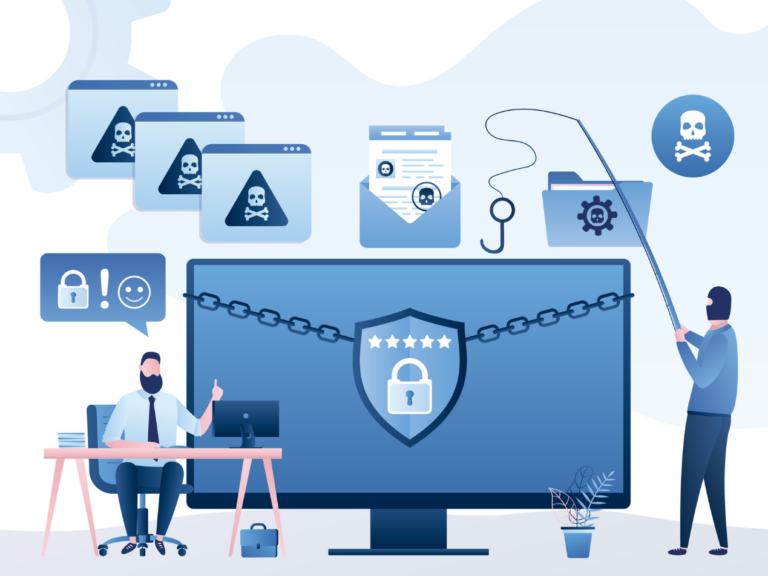
Attackers position themselves between your device and the internet, silently intercepting data such as logins, messages, and browsing activity.
Evil Twin Networks
Fake Wi-Fi networks with legitimate-sounding names (e.g., “Airport_Free_WiFi”) trick users into connecting, giving attackers direct access to traffic.
Session Hijacking
Even when passwords aren’t stolen, attackers can capture session cookies and impersonate users on websites and apps.
Unencrypted Traffic Exposure
Not all apps encrypt traffic properly, especially background services that users rarely think about.
These attacks don’t require advanced hacking skills. Many rely on automated tools and poor network hygiene.
Why HTTPS Alone Is Not Enough
A common misconception is that HTTPS fully protects users on public Wi-Fi. While HTTPS encrypts communication with specific websites, it does not:
- Hide which sites you visit
- Protect non-browser apps
- Secure DNS requests
- Prevent network-level tracking
In other words, HTTPS is necessary—but incomplete.
The Role of VPNs in Public Wi-Fi Protection
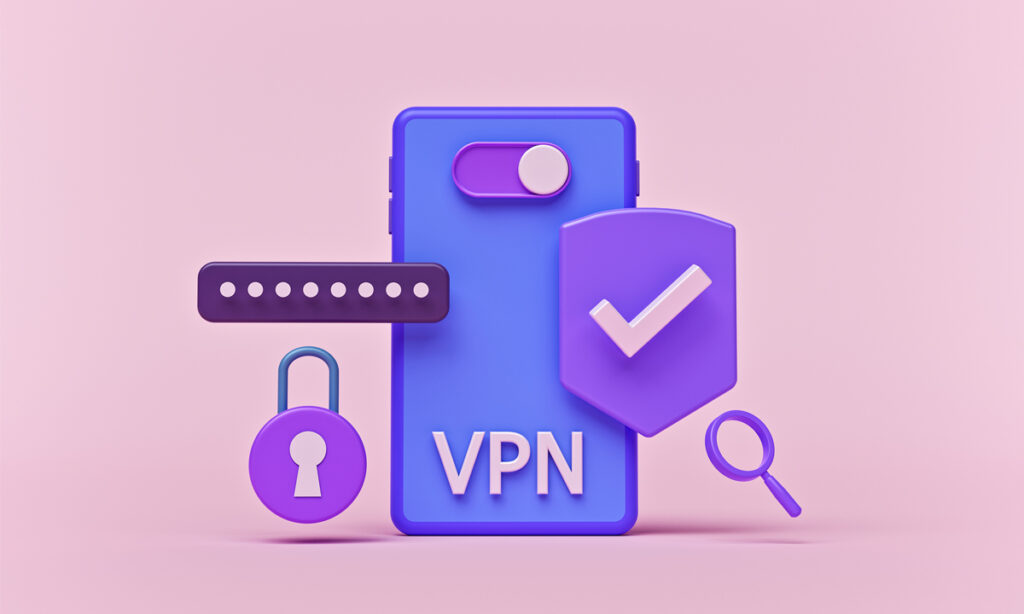
A VPN creates an encrypted tunnel between your device and the internet, preventing others on the same network from seeing or intercepting your data.
When used correctly, a VPN:
- Encrypts all traffic, not just browser data
- Masks your real IP address
- Prevents local network snooping
- Reduces tracking across networks
However, not all VPNs offer the same level of protection.
What Actually Makes a VPN Effective on Public Networks
For public Wi-Fi use, effectiveness depends on more than “being connected.”
Key factors include:
- Strong, modern encryption standards
- Reliable kill switch behavior
- Protection against DNS and IP leaks
- Stable performance on unstable networks
Surfshark is often used in public-network scenarios because it focuses on always-on encryption and stability, even when connections drop or switch between networks.
Future-Proofing Privacy: Why Encryption Standards Matter
One emerging concern in cybersecurity is how future technologies—especially quantum computing—could impact current encryption methods. While this threat isn’t immediate for everyday users, forward-looking security providers are already preparing.
Some modern VPNs, including Surfshark, have begun implementing quantum-resistant encryption techniques as an added layer of future-proofing. This doesn’t change how users browse day to day, but it reflects a broader shift toward anticipating long-term security challenges rather than reacting to them later.
For users who frequently rely on public Wi-Fi, this kind of proactive security mindset adds an extra layer of confidence.
Public Wi-Fi and Remote Work: A Risky Combination
Remote and hybrid work have dramatically increased public Wi-Fi usage. Employees now access:
- Email systems
- Cloud dashboards
- Internal tools
- Client data
On unsecured networks, even brief exposure can lead to credential theft or unauthorized access. This is why many remote professionals treat VPN usage on public Wi-Fi as non-negotiable rather than optional.
Why Free VPNs Often Increase Risk Instead of Reducing It
Ironically, many users turn to free VPNs for public Wi-Fi protection, not realizing that some free services:
- Log user data
- Inject ads
- Sell browsing information
- Use outdated encryption
On public networks, this can be worse than using no VPN at all.
Best Practices for Using Public Wi-Fi Safely
To minimize risk:
- Avoid accessing sensitive accounts without protection
- Disable auto-connect to open networks
- Use a VPN before opening apps or browsers
- Keep devices updated
- Log out of accounts when finished
Security is strongest when tools and habits work together.
FAQs
Is public Wi-Fi safe for banking?
Not without strong encryption and additional protection layers.
Can attackers really see my data on public Wi-Fi?
Yes, especially on open or poorly secured networks.
Does a VPN protect all apps, not just browsers?
Yes, when configured correctly.
Is mobile data safer than public Wi-Fi?
Generally yes, but VPNs add protection in both cases.
Are public Wi-Fi attacks common?
They are far more common than most users realize.
Is future-proof encryption important right now?
It’s not urgent, but it signals stronger long-term security planning.
Conclusion
Public Wi-Fi hasn’t become safer—it’s simply become more familiar. As usage increases, so does exposure. Understanding how modern threats work, and choosing protection methods that go beyond surface-level security, is essential for anyone who connects on the go.