




Surfshark has grown from an emerging VPN provider into one of the most capable, feature-rich, and budget-friendly VPNs available. In 2025, its combination of security, performance, and pricing has made it a favourite among streamers, remote workers, families, and privacy-focused users.
This in-depth review covers everything you need to know — from real-world performance and security tools to pricing, advanced features, pros and cons, and who Surfshark is best suited for.
🔹 Why This Review Matters
Choosing a VPN today means balancing several factors: speed, privacy, streaming ability, number of devices, price, and trustworthiness. Surfshark continues to update its infrastructure, add new privacy tools, and improve server performance, making it necessary to look at its current capabilities.
This guide breaks down each component so you can decide if Surfshark is the right VPN for your needs.
🔹 Surfshark at a Glance
- Unlimited simultaneous connections
- AES-256 encryption + WireGuard protocol
- Independently audited no-logs policy
- 4,500+ servers across ~100 countries
- Streaming support for Netflix, Prime Video, BBC iPlayer, Hulu, and more
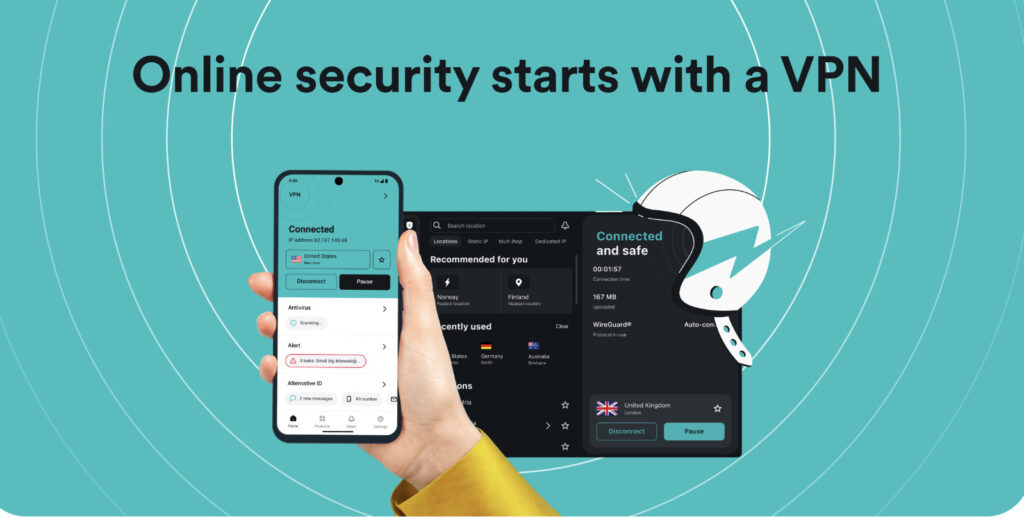
- Extra privacy tools like IP Rotator & Alternative ID
- Competitive pricing, especially long-term plans
🔹 Unlimited Device Connections

Most VPNs limit you to 5–10 devices per plan. Surfshark stands out by allowing unlimited devices under a single subscription.
This is extremely useful for:
- Families with multiple phones, tablets, laptops
- Users with many personal devices
- Small teams wanting a single subscription
- People securing smart TVs, routers, and IoT devices
It removes the hassle of managing device limits and saves cost.
🔹 Security: Encryption, Protocols & Privacy Guarantees
Surfshark uses AES-256 encryption, the same standard used by government and financial systems.
It supports several connection protocols:
WireGuard
- Fastest protocol
- Best for low latency and streaming
- Excellent security
OpenVPN (TCP/UDP)
- Highly stable, widely compatible
- Good for Wi-Fi networks, older routers
IKEv2
- Great for mobile switching between networks
Additional protection features include:
- Kill Switch — prevents data leaks if the VPN disconnects
- DNS, WebRTC & IPv6 leak protection
- Strict no-logs policy (independently audited)
- Camouflage Mode (obfuscation) for restricted networks
- MultiHop routing for double encryption
For a privacy-focused VPN, these features create a secure environment that protects your identity and online footprint.
🔹 Obfuscation & NoBorders Mode
Some regions, workplaces, or public networks block VPN usage. Surfshark combats this with:
- Camouflage Mode — hides VPN traffic to appear like regular HTTPS
- NoBorders Mode — activates when the app detects restrictions and suggests working servers
These modes allow the VPN to connect successfully even in restrictive environments.
🔹 MultiHop (Double VPN)
For users who require extra anonymity, MultiHop sends your traffic through two VPN servers located in different countries.
This adds:
- Better privacy
- Extra protection from network-level tracking
- Harder traceability
However, MultiHop reduces speed, so it’s best used only when needed.
🔹 Extra Privacy Tools: IP Rotator & Alternative ID
Surfshark goes beyond basic VPN functions by offering:
IP Rotator
Changes your IP address periodically during a single session, increasing anonymity.
Alternative ID
A privacy feature that:
- Generates an alternate online identity
- Auto-fills forms using anonymous details
- Reduces exposure of real personal data
These tools make Surfshark feel more like a complete privacy suite rather than a standalone VPN.
🔹 Performance & Speed
A VPN should ideally feel invisible — fast, stable, and smooth. Surfshark performs strongly across browsing, streaming, and video conferencing.
General Performance Observations
- Local servers deliver excellent speeds with negligible drops.
- Distant servers may see a moderate decrease but remain usable for HD streaming.
- WireGuard boosts speed significantly, often outperforming older protocols.
Real-world use:
- Streaming: stable HD & 4K
- Gaming: decent ping on nearby servers
- Remote work: smooth Zoom/Teams calls
- Web browsing: quick page loading, no lag
Surfshark has upgraded many of its servers to 10Gbps capacity, improving peak-hour performance and consistency.
🔹 Streaming Capabilities
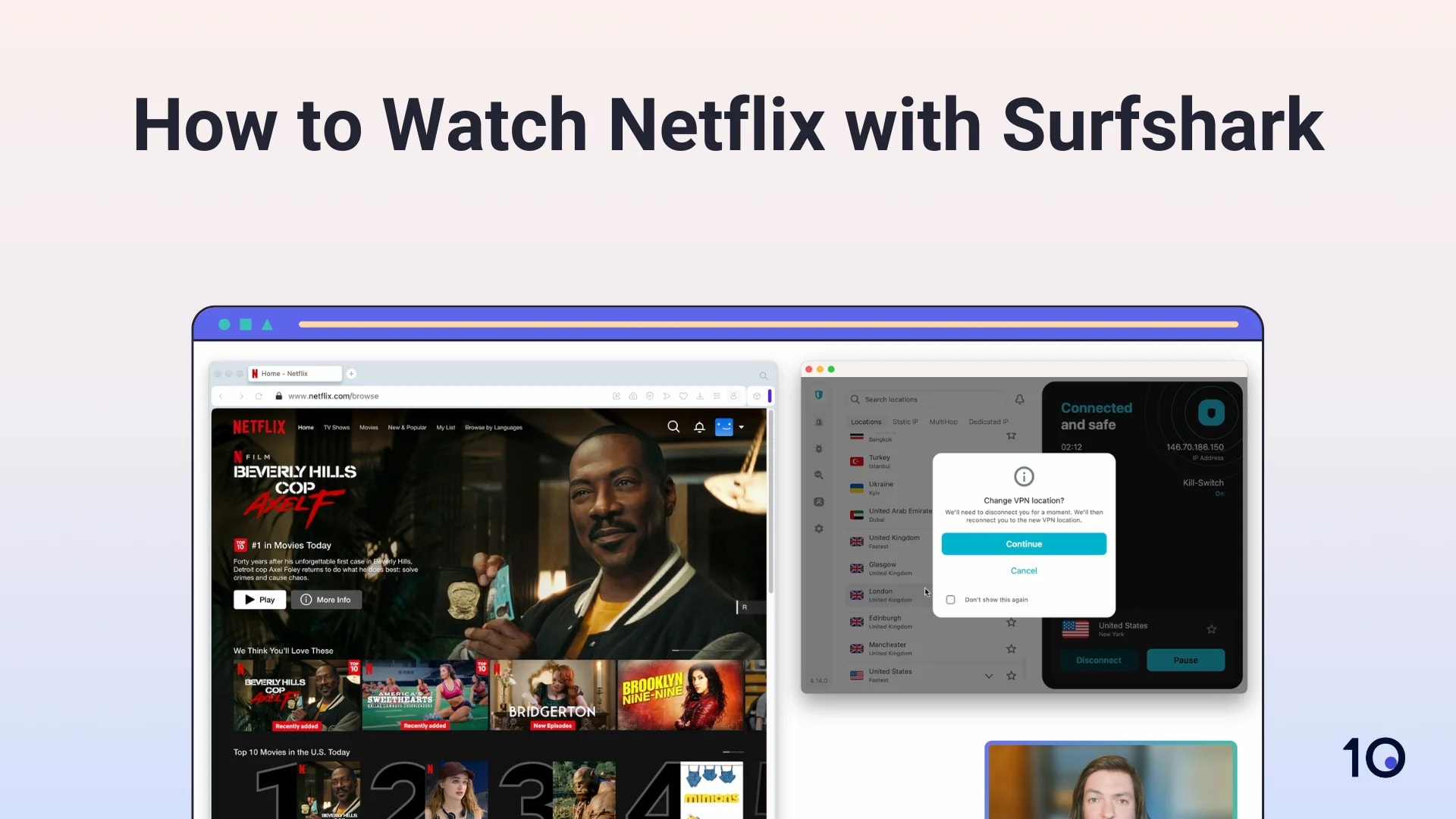
Surfshark is one of the strongest VPNs for streaming lovers.
It can unblock:
- Netflix (US, UK, Canada, Japan, India, and more)
- Amazon Prime Video
- BBC iPlayer
- Hulu
- Disney+
- HBO Max
Streaming apps frequently block VPN IPs, so Surfshark maintains optimized servers for consistent access. While no VPN works 100% of the time for every region, Surfshark performs better than most competitors in reliability.
🔹 Server Network & Infrastructure
Surfshark operates:
- 4,500+ servers
- 100+ countries
- 10Gbps upgraded servers in many regions
This wide distribution ensures:
- Better performance
- Less server overcrowding
- More stable streaming
- More country options for content access
Surfshark also offers virtual servers for certain locations where physical servers are not feasible.
🔹 Apps & Device Support
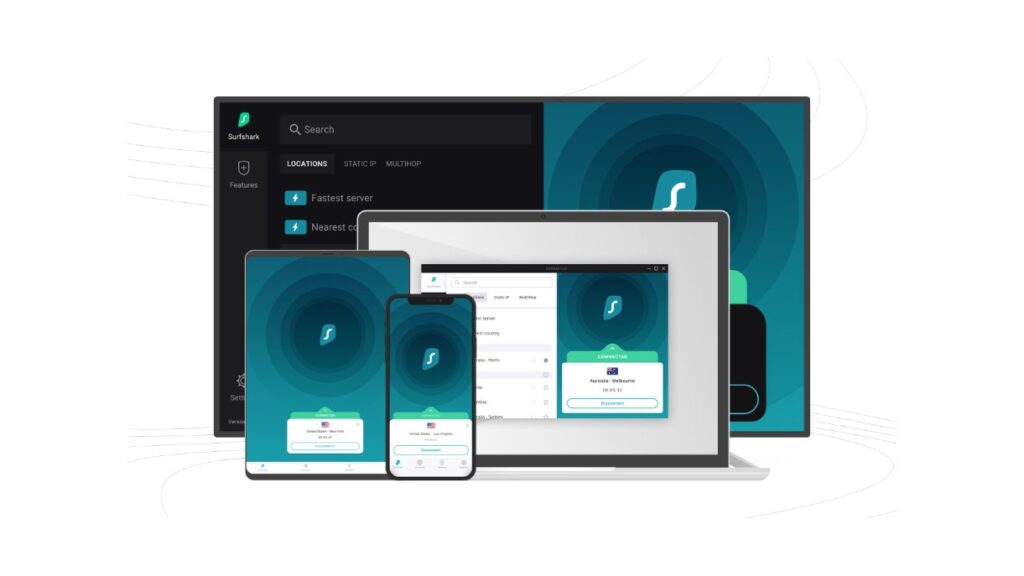
Surfshark supports almost every device you may own, including:
- Windows
- macOS
- iOS
- Android
- Linux (with GUI)
- Smart TVs
- Fire TV Stick
- Browser extensions (Chrome, Firefox, Edge)
- Routers (manual setup)
The interface across devices is clean, modern, and intuitive.
🔹 Pricing & Plans
Surfshark’s biggest attraction is its affordable pricing.
Typical pricing trends:
- Monthly plan → expensive (like most VPNs)
- 12-month plan → moderate
- 24-month plan → cheapest (as low as $1.99–$2.49 per month during sales)
Higher tiers like Surfshark One / One+ bundle:
- Antivirus
- Data leak detection
- Alternative ID
- Additional privacy tools
A 30-day money-back guarantee applies to most plans.
Overall, Surfshark offers premium features at one of the lowest price points in the industry.
🔹 Customer Support & Refunds
Surfshark provides:
- 24/7 live chat support
- Email ticketing
- A detailed help center with tutorials
Refunds within 30 days are simple to request through chat.
🔹 Transparency & Audits
Surfshark has undergone independent audits confirming:
- No-logs compliance
- Infrastructure security
- Proper encryption implementation
They also maintain a warrant canary, increasing trust in their privacy standing.
🔹 Who Should Use Surfshark?
Surfshark is ideal for:
✔ Families & multi-device homes
Unlimited device support means one plan protects everyone.
✔ Students & public Wi-Fi users
Secure connections prevent data theft on campus or in cafes.
✔ Streamers & content lovers
Reliable unblocking + fast servers make it excellent for entertainment.
✔ Remote workers
Improved encryption, kill switch, and stable connections enhance work security.
✔ Budget-conscious buyers
Premium features at a lower price point.
✔ Privacy enthusiasts
Advanced tools → MultiHop, obfuscation, IP rotation, Alternative ID.
🔹 Setup Process (Quick Walkthrough)
- Download Surfshark on your device.
- Log in using your credentials.
- Choose WireGuard (recommended) or another protocol.
- Turn on Kill Switch.
- Select a server and connect.
For routers, setup varies depending on the brand (AsusWRT, DD-WRT, OpenWRT, etc.).
🔹 Limitations & Considerations
No VPN is perfect, including Surfshark. Key limitations:
- Streaming access can occasionally fluctuate.
- MultiHop reduces speed noticeably.
- Best pricing requires long-term commitment.
- Some competing VPNs have more frequent third-party audits.
But overall, Surfshark’s strengths heavily outweigh its weaknesses for most users.
🔹 Surfshark vs Competitors (Quick Comparison)
Surfshark vs NordVPN
- NordVPN has more specialty servers.
- Surfshark offers unlimited devices + lower price.
Surfshark vs ExpressVPN
- ExpressVPN has slightly more consistent speeds.
- Surfshark offers more features per dollar.
Surfshark vs Proton VPN
- Proton is more transparency-focused.
- Surfshark offers better value + more tools.
🔹 Pros & Cons Summary
Pros
- Unlimited devices
- Great value for money
- Strong streaming support
- Excellent speeds with WireGuard
- Audited no-logs policy
- Tools like MultiHop & obfuscation
- New privacy features (Alternative ID, IP rotation)
Cons
- Streaming reliability can fluctuate
- Best pricing only on long plans
- MultiHop impacts speed
- Some advanced users may prefer deeper audit trails from competitors
🔹 Final Verdict — Should You Get Surfshark?
Surfshark is one of the best all-round VPNs in 2025.
It strikes the perfect balance of:
- Speed
- Security
- Privacy
- Streaming power
- Affordability
If your priority is a VPN that gives maximum value — especially for families, multi-device users, or streamers — Surfshark is an excellent choice. For most users, it provides everything they need without the premium price tag.