






In a world where cyber threats are constantly evolving, having reliable cybersecurity measures isn’t just a luxury — it’s essential. While Surfshark One (Antivirus + VPN Bundle) and Joyus Surfshark One VPN are more known for their VPN services, Surfshark’s antivirus component has emerged as a compelling addition to the modern digital security toolkit. In this extensive article, we’ll explore what Surfshark Antivirus is, how it works, its key features, pricing, pros and cons, real-world performance, and whether it’s a worthwhile investment in 2025.
1. What Is Surfshark Antivirus and How Does It Fit Into Surfshark One
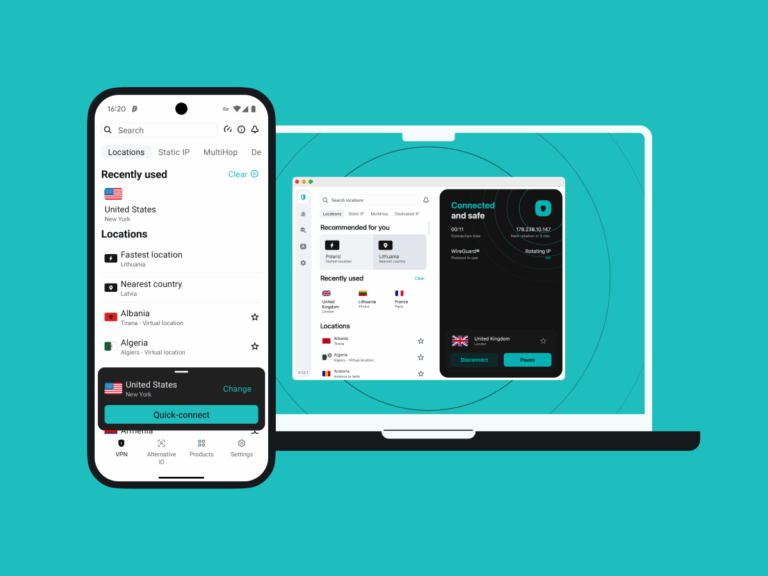
Surfshark Antivirus is part of the broader Surfshark One cybersecurity suite — a bundled product designed to deliver layered protection across your devices. Rather than being a standalone antivirus, Surfshark Antivirus works in tandem with Surfshark’s Virtual Private Network (VPN), data breach monitoring tools, private search engine, and identity protection features to offer a comprehensive online defense.
Originally introduced to expand Surfshark’s digital security offerings, Surfshark Antivirus now serves as an integrated malware and threat detection tool that complements VPN encryption and privacy utilities. It’s available on major platforms, including Windows, macOS, and Android — with continuous updates to expand compatibility and functionality.
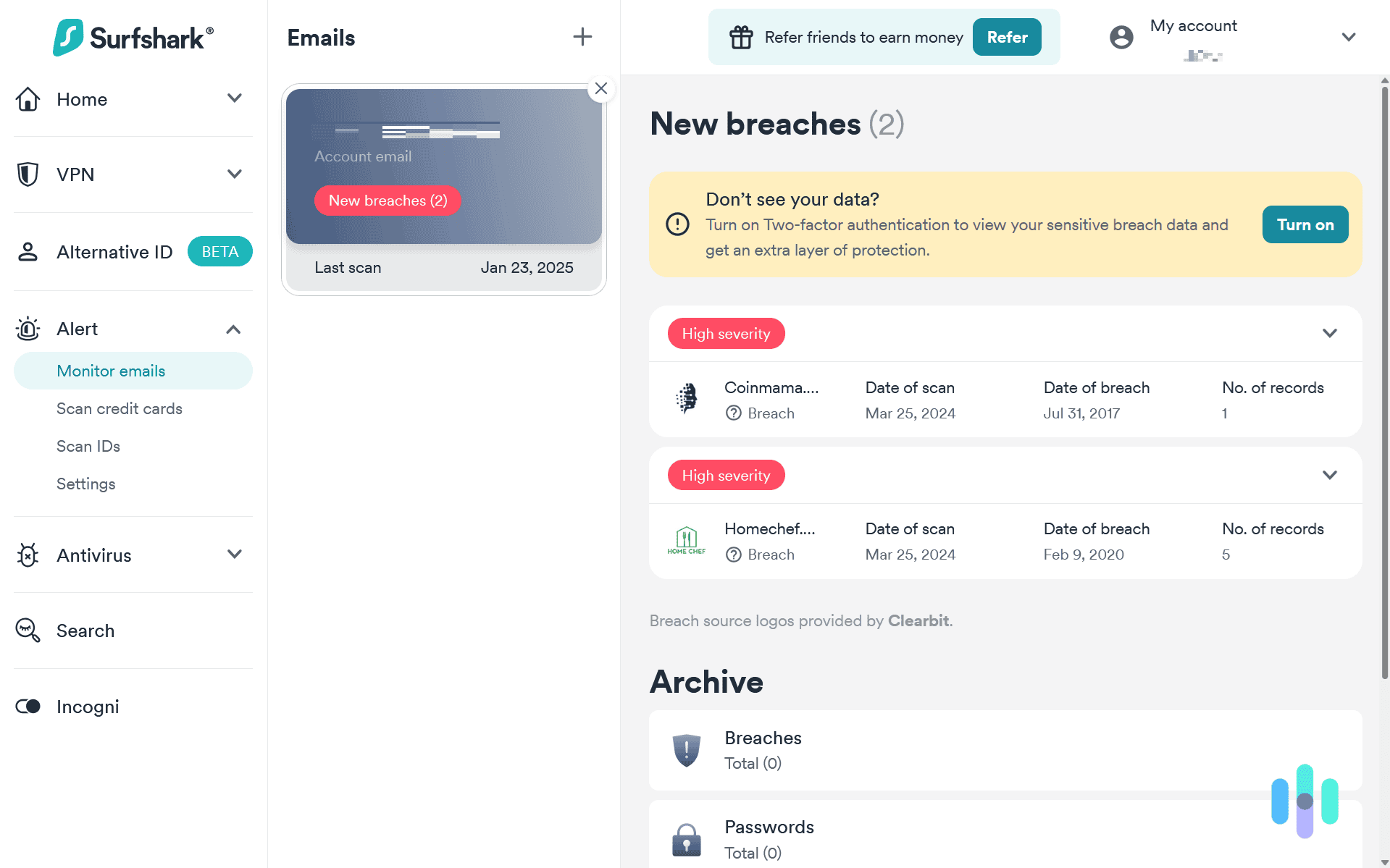
In essence, Surfshark Antivirus isn’t just about stopping viruses — it’s about creating a safer, more private digital experience by minimizing vulnerabilities before they can be exploited.
2. Core Technologies and How They Protect Yo
Real-Time Protection
Instead of waiting for scheduled scans, Surfshark Antivirus uses real-time threat detection to monitor files as they’re accessed, downloaded, or executed on your device. This means threats like malware, spyware, ransomware, and other malicious software are identified and blocked the moment they appear.
This proactive approach not only enhances security but also helps prevent damage before it starts — whether you’re browsing the web, installing software, or connecting external devices like USB drives. Features like External Storage Scan help automate malware checks on plugged-in devices, simplifying security for users.
Cloud-Powered Malware Database
Surfshark’s antivirus engine regularly updates its malware definitions by connecting to its cloud database. These updates — often every few hours — ensure the antivirus stays ahead of new threats and zero-day exploits.
Web Protection (Windows Focus)
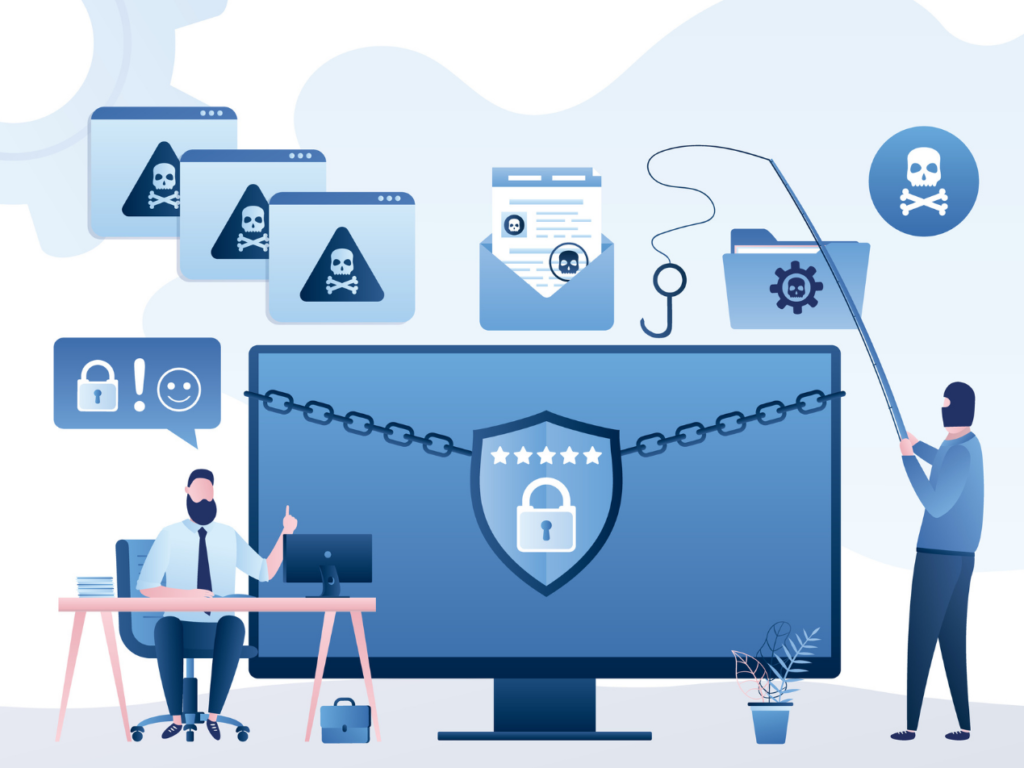
On Windows systems, Surfshark Antivirus can examine URLs and incoming web content to block harmful or phishing websites before they load, adding an extra layer of defense while browsing.
Heuristic & Behavioral Monitoring
Beyond known viral signatures, Surfshark also employs heuristic detection to recognize suspicious behaviors or file characteristics that resemble malware, even if they’re new or previously unseen threats.
Quarantine and File Management
When threats are found, suspicious files can be isolated in a quarantine area, giving users control over whether to delete, restore, or keep them under observation.
3. Key Features: What You Get With Surfshark Antivirus

Surfshark Antivirus offers many modern security elements that are expected from premium protection tools. Here’s a breakdown:
Real-Time Malware & Virus Detection
Constant scanning and threat interception as files and programs are accessed.
Customizable Scanning Options
Users can run quick, full, or targeted scans — according to their schedule and needs.
Web & Phishing Protection
Especially on Windows: blocks dangerous sites and phishing attempts before they can harm your data.
Lightweight Performance
Designed to run discreetly in the background without significant impact on system resources.
Quarantine & Threat Management
Suspicious files are managed safely, giving users ultimate control over potential threats.
Multi-Device Support
Protect up to five devices under one subscription — useful for families or multiple laptops and phones.
While feature-rich, Surfshark Antivirus currently doesn’t include a full firewall, system optimization tools, or password manager — capabilities found in some standalone antivirus titles.
4. Performance & User Experience
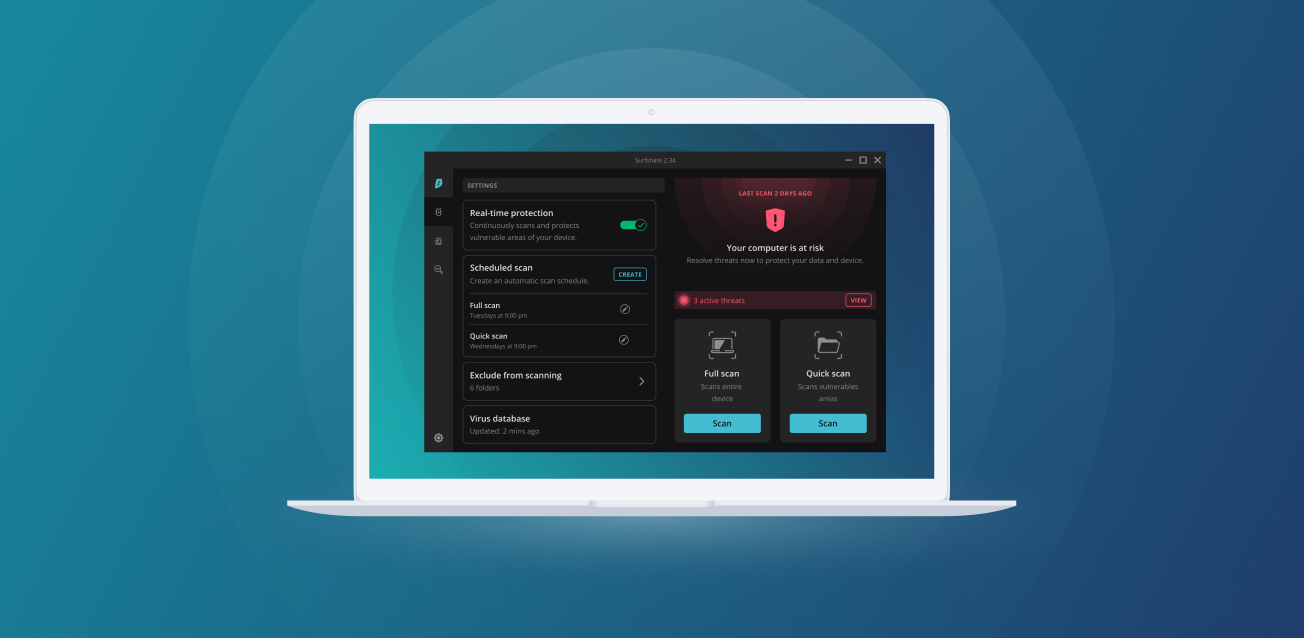
One of the most often cited advantages of Surfshark Antivirus is its minimal system impact. Unlike older antivirus programs that could slow down computers during scans or background protection, Surfshark’s engine is designed to be lightweight and silent.
From real-world user feedback and testing, results vary:
- Strong Detection Rates: Independent tests show high malware detection performance, with the antivirus stopping malicious files during practical tests.
- Certified Protection: The product has earned credibility from third-party testing labs such as AV-TEST for protection and usability.
- Mixed Feedback on Scanning Times: Some users reported longer scan durations on large drives or devices with multiple volumes.
- Software Conflicts: In rare cases, conflicts with other antivirus solutions have been mentioned, which can affect usability.
Overall, for everyday usage — web browsing, downloading files, and light work — Surfshark Antivirus provides protection without noticeably affecting system performance.
5. Pricing and Plans
Surfshark Antivirus isn’t sold as a separate product — instead, it’s integrated into Surfshark One and Surfshark One+ bundles.
Pricing Overview
- Surfshark One: Typically costs around $2.59 / month and includes VPN, antivirus, private search, identity alerts, and more. )
- Surfshark One+: Around $4.29 / month with further enhanced identity protection tools.
These bundles often come with a 30-day money-back guarantee so you can test the service risk-free.
The integration of multiple protective features into one subscription can offer excellent value when compared with buying separate VPN, antivirus, and identity protection services. However, if you’re solely interested in standalone antivirus functionality, there may be cost-competitive alternatives available.
6. Pros and Cons: A Balanced Look
Surfshark Antivirus brings modern cybersecurity to the table, but like every product, it has upsides and downsides worth considering.
Strengths
- Seamless integration with other security tools for complete protection.
- Real-time protection with frequent updates keeps defenses fresh.
- Minimal performance impact during use.
- Certifications from independent labs signal trustworthiness.
Limitations
- Lacks advanced standalone antivirus features like firewalls or vulnerability scanners.
- Mixed user experiences in niche cases such as scan times or conflicts with other software.
- Part of a bundle — not a standalone purchase, which may not suit everyone’s budget or needs.
7. Who Should Consider Surfshark Antivirus?
If you’re someone who values integrated protection, simplicity, and lightweight security that operates quietly in the background — and you already rely on Surfshark’s VPN or privacy tools — Surfshark Antivirus is a strong addition to your kit.
It’s particularly appealing for:
- Everyday users seeking enhanced device protection without complex configuration.
- Families or multi-device households who want coverage across phones and computers.
- Users who prefer a single app for multiple cybersecurity functions.
However, if you need deep system-level controls, advanced firewall rules, or enterprise features, traditional dedicated antivirus suites might still be more appropriate.
My Advice:
Surfshark Antivirus, as part of the larger Surfshark One suite, represents a compelling entry into the antivirus market in 2025. It blends real-time protection, cloud intelligence, multi-device support, and integration with other privacy tools to deliver strong, user-friendly cybersecurity.
While it doesn’t yet match the full feature sets of long-established antivirus solutions in every category, its emphasis on simplicity, performance, and a holistic security ecosystem makes it an excellent choice for many users in the modern digital landscape.