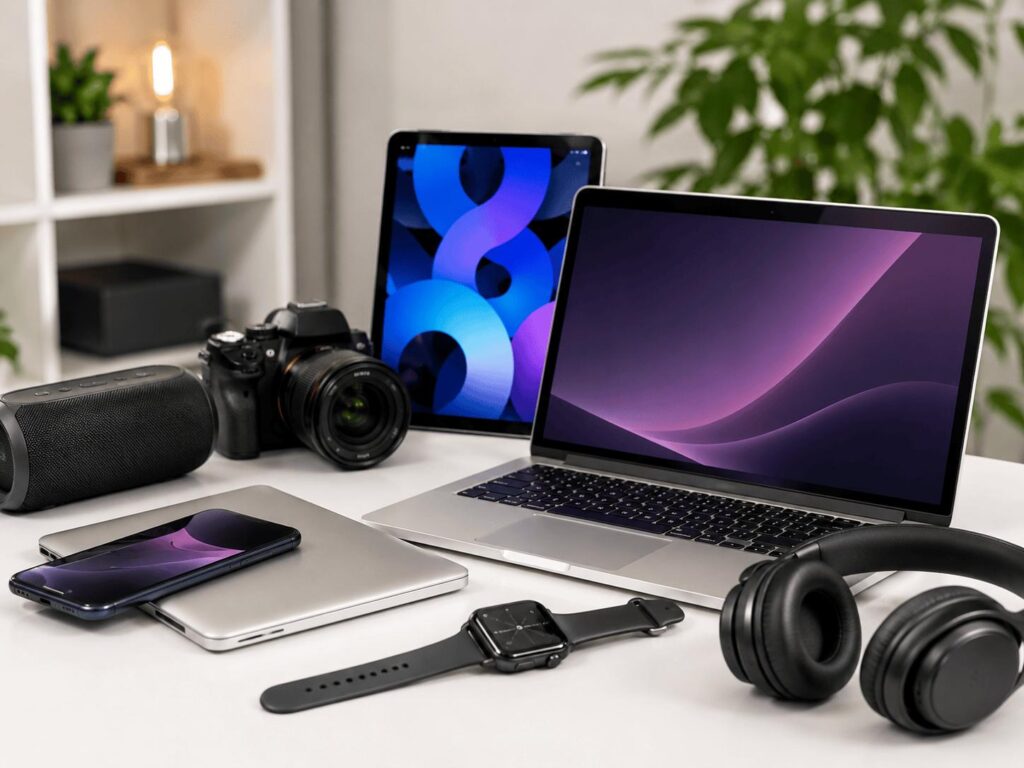
Buying a new phone, laptop, or tablet can put a serious dent in your budget. But paying less doesn’t have to mean settling for outdated technology, slow performance, or missing features. With refurbished electronics, you can find devices that meet your everyday needs without paying the full price of a brand-new model.
Back Market makes it easier to explore refurbished smartphones, laptops, and tablets from different brands and generations. The key is knowing which specifications matter, how to compare models, and what to check before buying.
Here’s how to save on electronics with Back Market ES while getting the performance and features you actually need.
1. Decide Which Features Matter Most
Before browsing refurbished electronics, make a list of your priorities. It’s easy to get distracted by premium specifications you might never use.

For smartphones, consider battery life, camera quality, storage, screen size, and 5G connectivity. If you mainly use messaging apps, social media, and maps, you may not need the newest flagship phone.
For laptops, focus on processor performance, RAM, storage, screen quality, and battery life. A laptop with 16 GB of RAM and an SSD may be a better everyday work companion than an expensive model with features designed for demanding creative workloads.
For tablets, think about screen size, operating system, storage, and accessory compatibility. Students may prioritize note-taking and battery life, while entertainment enthusiasts might prefer a sharper display and better speakers.
The smartest purchase is the device that meets your needs, not the one with the longest specification list.
2. Compare Different Product Generations
One of the easiest ways to save money is to compare a previous-generation device with a newer alternative.
A smartphone released a few years ago may still offer an excellent display, capable cameras, and enough processing power for everyday tasks. Similarly, an older MacBook or Windows laptop can be suitable for studying, office work, and browsing.
Explore refurbished smartphones, MacBooks, and refurbished tablets on Back Market ES to compare available models.
For example, an older iPhone might be a sensible choice if you want dependable everyday performance without paying for the latest camera upgrades. A previous-generation MacBook could suit a student who primarily uses documents, video calls, and browser-based applications.
However, check software support before choosing an older model. A lower price is less attractive if the device is nearing the end of its useful update life or cannot run essential applications.
Still deciding between a brand-new phone and a refurbished model? Our new vs. refurbished smartphones comparison in Spain explains the key differences to consider before buying.
3. Understand Refurbished Condition Grades
Refurbished electronics are not necessarily in perfect cosmetic condition. Devices may have been previously used, inspected, repaired, or restored before being offered for sale.
Back Market provides condition grades that help shoppers understand a device’s cosmetic appearance. Depending on the listing, options can include Premium, Excellent, Very Good, and Fair or Correct condition.
A lower cosmetic grade may offer better savings if you don’t mind visible signs of previous use. A higher grade may suit buyers who prefer a cleaner appearance.
Read the individual listing carefully rather than assuming every grade includes identical components or battery specifications.
Pay particular attention to battery information, screen condition, included accessories, storage capacity, and any optional upgrades. If battery health is important, check whether the listing specifies a minimum capacity or offers a replacement battery.
Remember, cosmetic condition and technical suitability are two different things. Choose the appearance you can accept while confirming that the device meets your performance requirements.
4. Choose the Right Specifications for Your Budget
Small specification differences can have a significant effect on long-term satisfaction.
For phones, 128 GB of storage is a useful starting point for many users. If you take lots of photographs, record videos, or download large games, consider more storage.
For laptops, 8 GB of RAM may be sufficient for basic browsing and document editing, while 16 GB can provide more flexibility for multitasking. Check processor generation and storage type alongside RAM instead of judging performance by one specification alone.
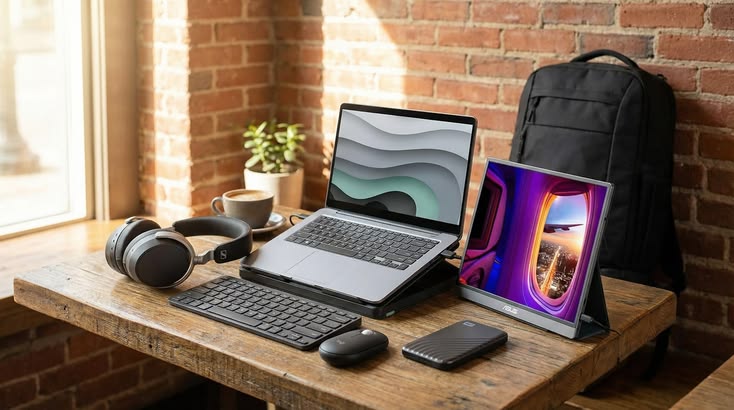
If you’re upgrading your work setup, our guide to setting up a home office for less with Back Market ES covers refurbished technology that can help keep costs under control.
For tablets, consider whether Wi-Fi connectivity is enough or whether you need a cellular model. If you plan to use a keyboard or stylus, verify compatibility with the exact model.
If a tablet seems like a better fit for your budget, explore our guide to buying a refurbished tablet on Back Market before deciding which features you need.
Avoid paying extra for specifications that won’t improve your everyday experience. At the same time, don’t cut costs on essentials that are difficult or expensive to upgrade later.
5. Compare the Total Cost, Not Just the Price
A device’s listed price is only one part of the purchasing decision.
Compare similar configurations, including storage, memory, condition grade, and battery options. A cheaper device may become less attractive if you need to purchase accessories separately or replace its battery soon after buying.
Check shipping costs, return conditions, warranty coverage, and the price difference between available configurations.
Back Market ES advertises a two-year commercial warranty and a 30-day trial period for eligible purchases. Review the applicable terms for your chosen device before completing your order.
It is also worth considering how long you expect to use the device. Spending slightly more on a model with better performance and longer remaining software support may offer better value over several years.
6. Check Warranty and Return Conditions
Buying refurbished should involve more than finding an appealing discount.
Back Market operates as a marketplace connecting buyers with professional refurbishers, rather than refurbishing every device itself. Its marketplace standards and warranty arrangements are designed to provide additional reassurance.
Before ordering, confirm the warranty terms, return eligibility, and process for reporting a fault. Keep your order details and inspect the device promptly after delivery.
Check that the phone connects to your network, the laptop runs your essential applications, or the tablet supports your required accessories.
Taking a few minutes to test your device helps you identify potential issues early and make better use of any applicable return period.
7. Make Your Budget Go Further
Saving on refurbished electronics is about choosing strategically, not simply buying the cheapest available device.
Compare multiple generations, decide which features are essential, and remain flexible about cosmetic condition. If you don’t need a flagship camera or a high-performance processor, you may find that a more affordable model offers everything you use daily.
You can also compare refurbished phones, laptops, and tablets together to decide which upgrade will make the biggest difference to your routine.
If you’re also considering a wearable upgrade, read our guide to buying a refurbished smartwatch on Back Market to compare battery life, features, and compatibility.
Final Thoughts
You don’t need to pay premium prices to enjoy capable, useful technology. By prioritizing essential specifications, comparing product generations, checking condition grades, and reviewing warranty terms, you can make a more informed purchase.
Back Market offers a practical starting point for exploring refurbished electronics across different budgets.
Focus on what you need, compare carefully, and choose a device that delivers lasting value rather than paying extra for features you’ll rarely use.