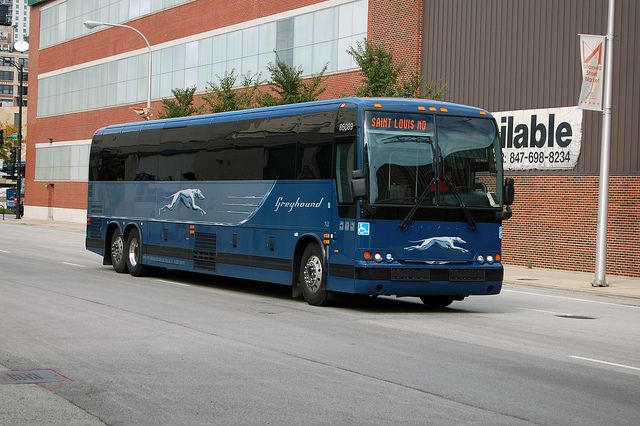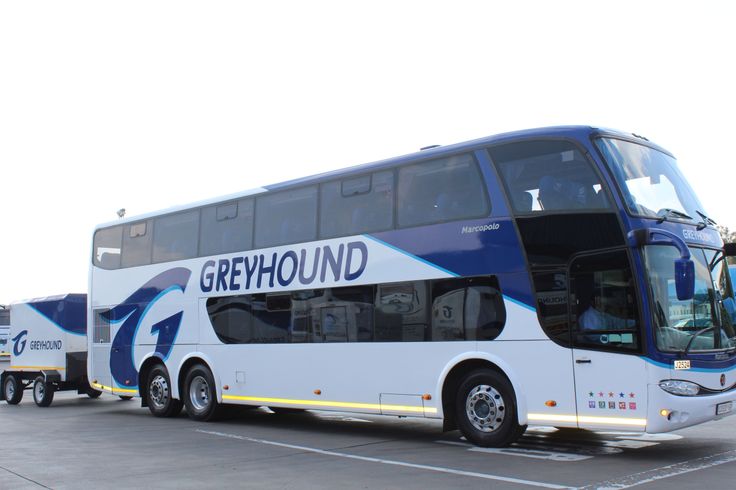
The Greyhound app makes it easier to plan and manage bus travel across the United States, Canada, and Mexico. Travelers can use the app to search and book trips, access mobile bus tickets, track buses, manage reservations, find departure locations, and receive important trip updates. Greyhound also promotes app-exclusive discounts and special offers, making the mobile platform useful beyond simply storing an e-ticket.
For travelers taking intercity routes between major U.S. cities such as New York, Chicago, Los Angeles, Houston, Dallas, Washington, DC, or Miami, having trip information on a phone can make the journey easier to manage. The app is particularly useful when schedules change, buses are delayed, or you need to make a last-minute adjustment to an existing reservation.
What Is the Greyhound App?
The Greyhound mobile app is Greyhound’s official mobile platform for booking and managing bus journeys. It is available for Android and iOS and brings several travel functions into one place.
According to Greyhound, the app allows travelers to book trips, present tickets directly from their phones, manage bookings, find locations, track buses, and access customer-service resources.
Key Greyhound App Features
The app can be used for:
- Booking bus trips.
- Accessing mobile tickets.
- Viewing your travel itinerary.
- Tracking your bus.
- Checking departure information.
- Managing an existing reservation.
- Finding bus stop directions.
- Accessing app-exclusive discounts.
- Getting help with common travel issues.
This makes the app useful throughout the entire journey rather than only at the time of purchase.
How to Book Greyhound Tickets Online
One of the main reasons travelers use the Greyhound app is the ability to book Greyhound tickets online without visiting a station.
The process is designed to be straightforward. Enter your departure city, destination, travel date, and passenger information, then compare the available schedules and fares.
Steps to Book a Greyhound Trip
- Open the Greyhound app.
- Enter your departure location.
- Enter your destination.
- Select your travel date.
- Compare available departures.
- Choose your preferred trip.
- Select a seat when available.
- Add applicable baggage or other options.
- Enter passenger details.
- Select a payment method.
- Complete the booking.
- Save the confirmation and mobile ticket.
Greyhound also allows online bookings through its website, and current payment options include credit/debit cards and PayPal. Depending on the booking method and location, travelers can also reserve online and pay cash at participating locations.

Why Book Through the App?
Using the app can be convenient because your reservation and ticket remain accessible from your phone.
Greyhound also advertises app-only discounts and special offers that can be delivered to users and redeemed through the app.
How Do Greyhound Mobile Tickets Work?
After completing your booking, you can use your mobile bus tickets instead of necessarily printing a paper ticket.
Greyhound says passengers can present their ticket directly from the app to the driver. The ticket contains important information including the booking number, QR code, and seat number when applicable.
Before Boarding
Keep these details easily accessible:
- Your QR code.
- Booking number.
- Departure location.
- Departure time.
- Seat number, if assigned.
- Passenger name.
- Phone with sufficient battery.
Greyhound recommends being ready to board approximately 15 minutes before departure.
If you lose access to your mobile ticket but still have your confirmation information, Greyhound provides additional options through its website and station services.
How to Track Greyhound Bus Trips
One of the most useful features is the ability to track Greyhound bus journeys in real time.
Greyhound’s bus tracker provides live information about a bus’s progress and can indicate whether a service is on time, early, or delayed. It can also provide an estimated arrival time.
How Bus Tracking Helps
Bus tracking can be useful when:
- You’re waiting at a departure location.
- Someone is picking you up.
- You have a tight connection.
- Your bus has been delayed.
- You want to estimate arrival time.
- You need to plan transportation after reaching your destination.
Greyhound says the tracker can be searched using a booking number, departure city, or arrival city.
For example, someone meeting a passenger at a Greyhound stop in Chicago can use tracking information to better estimate when the arriving bus will reach the station.
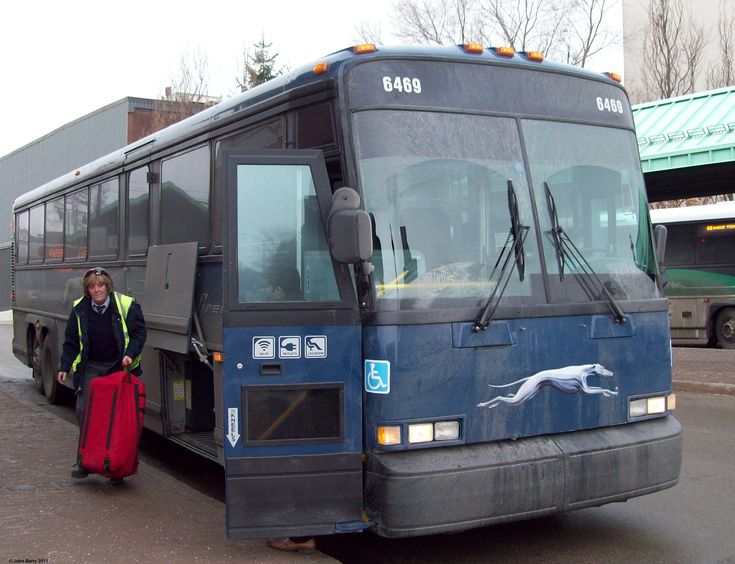
How to Manage Your Booking
Travel plans can change, which makes the manage booking functionality particularly important.
Greyhound’s Manage My Booking system allows customers to make several changes to an existing trip. Current options include changing the departure date, time, or destination, updating certain passenger details, adding baggage, and canceling a booking.
What Can You Change?
Depending on the booking and applicable terms, you may be able to:
- Change the travel date.
- Change the departure time.
- Change the destination.
- Correct certain passenger details.
- Update contact information.
- Add baggage.
- Cancel the booking.
Greyhound currently states that eligible trip changes can be made up to 15 minutes before the scheduled departure time. Fees or fare differences may apply depending on the change.
FAQs About the Greyhound App
What can I do with the Greyhound app?
You can book trips, access mobile tickets, manage reservations, track buses, find locations, view trip details, and access certain discounts and customer-support resources.
Can I book Greyhound tickets through the app?
Yes. The Greyhound app allows travelers to search for trips and purchase tickets directly from their mobile device.
Can I show my Greyhound ticket on my phone?
Yes. Greyhound allows passengers to present eligible mobile tickets from the app, including the QR code that can be scanned when boarding.
Can I track my Greyhound bus through the app?
Yes. Greyhound provides real-time bus tracking that can show whether a bus is on time, early, or delayed and provide an estimated arrival time.
Can I change my Greyhound booking?
Yes. Eligible bookings can be changed through Manage My Booking. Greyhound currently allows changes up to 15 minutes before scheduled departure, although fare differences or other conditions may apply.
Does the Greyhound app offer discounts?
Greyhound advertises app-exclusive discounts and special offers. Availability and terms vary, so check the offers displayed in the app when booking.
Conclusion: Make Your Trip Easier With the Greyhound App
The Greyhound app brings booking, mobile tickets, bus tracking, departure updates, and reservation management together in one convenient platform. For travelers moving between cities across the United States, Canada, and Mexico, having access to a digital travel itinerary and real-time bus information can make the journey easier to organize.
Before your trip, use the app to check your schedule, confirm your departure location, save your e-ticket, and monitor your bus status. If your plans change, Manage My Booking can also help with eligible ticket changes, baggage additions, or cancellations.
Download the Greyhound app, compare available schedules, and book your next Greyhound journey with your tickets and trip information right on your phone.