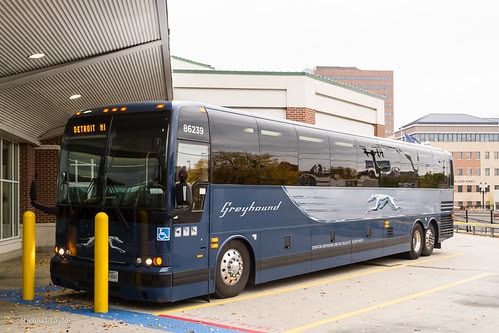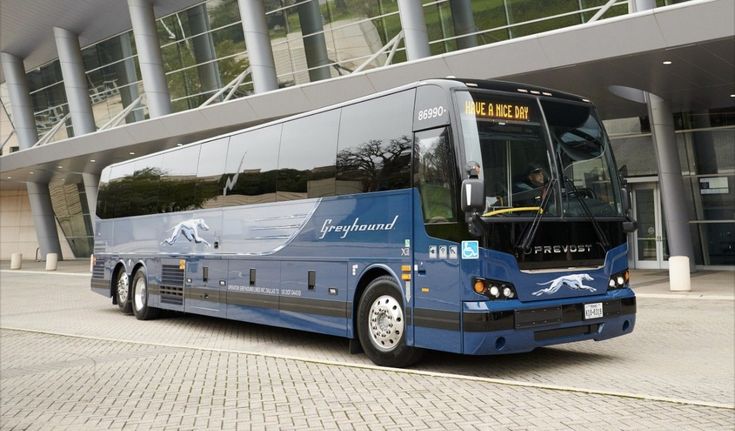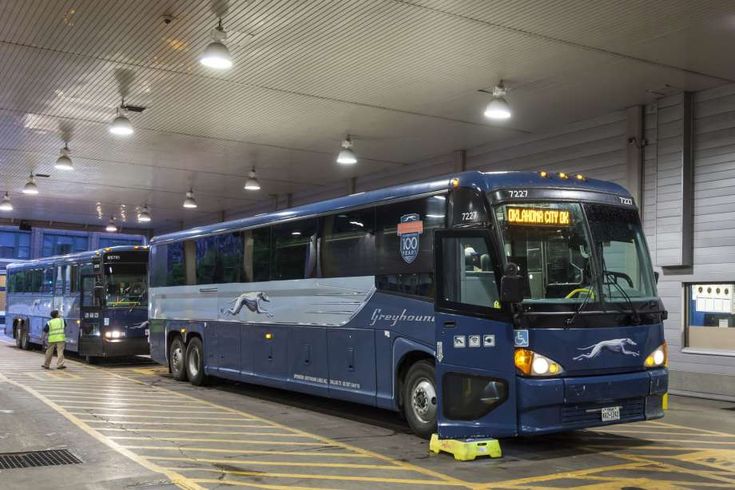
Greyhound onboard Wi-Fi can make long-distance bus travel more convenient by giving passengers an opportunity to stay connected while traveling between cities. For people working remotely, checking travel information, communicating with family, or simply passing time online, access to bus Wi-Fi can make several hours on the road feel more productive.
Greyhound operates long-distance routes across the United States, connecting major cities and regional destinations. However, onboard connectivity can vary by bus, route, location, and operating conditions. Travelers should therefore treat Wi-Fi as a convenience rather than something to rely on for critical work or time-sensitive activities.
What Is Greyhound Onboard Wi-Fi?
Greyhound onboard Wi-Fi refers to wireless internet access provided on eligible Greyhound buses. The service is designed to give passengers a way to connect their smartphones, tablets, or laptops while traveling.
Unlike home broadband, onboard internet relies on mobile network connectivity. As a result, performance can change as a bus moves through different areas of the United States.
The quality of a connection can be affected by:
- Mobile network coverage
- Number of passengers using the connection
- Route and geographic location
- Network congestion
- Bus equipment and service availability
- Tunnels, rural areas, or other coverage gaps
For this reason, passengers should expect occasional fluctuations rather than the same consistent connection they might receive at home.
How Greyhound Wi-Fi Can Improve Long-Distance Travel
Long journeys can involve several hours of sitting, making connectivity particularly valuable. Greyhound Wi-Fi can help passengers use travel time for entertainment, communication, planning, and light work.
Depending on the available connection, passengers may use onboard internet for:
- Checking emails
- Browsing websites
- Messaging friends and family
- Reading online articles
- Reviewing travel information
- Completing lightweight work
- Accessing cloud-based documents
- Checking social media
For someone traveling between cities such as New York and Washington, D.C., or Los Angeles and Las Vegas, connectivity can make the journey more useful without requiring constant mobile-data usage.
Greyhound Internet for Work and Productivity
For remote workers and students, Greyhound internet can potentially turn travel time into productive time. However, it is important to understand the limitations of working from a moving vehicle.
Tasks That Usually Need Less Bandwidth
Simple online activities are generally more suitable for variable connections:
- Writing documents
- Sending text-based emails
- Researching information
- Reading documents
- Planning schedules
- Updating spreadsheets
- Messaging colleagues
Tasks involving large file transfers or continuous high-quality video can be more demanding.
If your work requires reliable connectivity, download important documents before boarding and keep essential files available offline whenever possible.
Greyhound Onboard Wi-Fi and Mobile Connectivity
Onboard Wi-Fi and mobile connectivity serve different purposes. Your smartphone’s cellular connection comes from your mobile carrier, while onboard Wi-Fi uses the bus’s internet system where available.
Having both options can provide useful flexibility during long-distance bus travel.
For example, if the onboard connection becomes slow, your mobile network may still work. Conversely, if cellular coverage is weak along a particular stretch of the route, onboard Wi-Fi may offer an alternative where available.
A practical travel setup can include:
- Connect to the onboard Wi-Fi when available.
- Keep cellular data enabled as a backup.
- Download essential information before departure.
- Save important tickets and documents locally.
- Avoid relying exclusively on internet access for critical tasks.
Power Outlets and Staying Connected
Internet access is only part of the equation when traveling for several hours. Your device’s battery also matters.
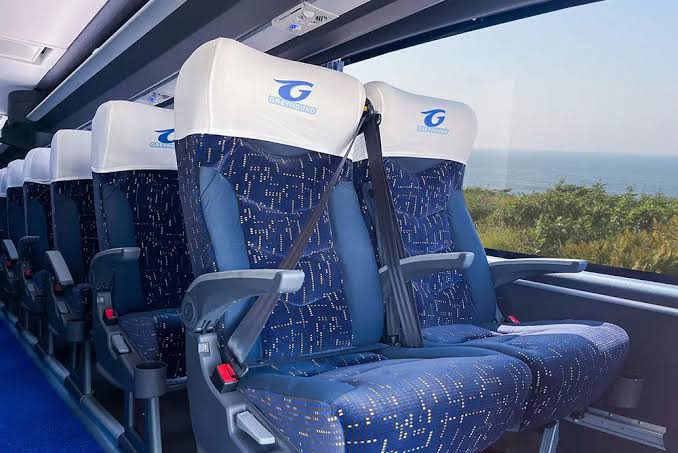
If power outlets are available on your particular bus, they can help passengers keep smartphones, tablets, and laptops charged during longer journeys. Availability and functionality can vary, so travelers should still board with adequately charged devices.
Consider carrying:
- A fully charged smartphone
- Charging cable
- Portable power bank
- Laptop charger if required
- Headphones
- Downloaded entertainment
- Offline copies of important documents
Combining battery preparation with Greyhound onboard Wi-Fi can make a long journey significantly easier to manage.
Making the Most of Greyhound Onboard Wi-Fi
Passengers can improve their overall experience by preparing before boarding. Instead of expecting the internet to handle everything, use the connection strategically.
Before Your Journey
Complete bandwidth-heavy tasks before departure:
- Download movies, podcasts, or music.
- Save important documents.
- Download maps or travel information.
- Update apps.
- Charge all devices.
- Save boarding and reservation details offline.
This preparation ensures that you can continue with essential activities even if connectivity becomes unreliable.
During the Journey
Once onboard, prioritize activities that are less dependent on continuous high-speed internet.
Checking emails, reading articles, messaging, and completing basic documents may be more practical than activities requiring uninterrupted high bandwidth.
Bus Wi-Fi Etiquette and Security
Public or shared internet requires sensible security practices. Even when a connection is convenient, travelers should avoid treating it like a private home network.
For safer browsing:
- Avoid entering highly sensitive information on unfamiliar networks.
- Use HTTPS websites whenever possible.
- Keep your device’s operating system updated.
- Avoid downloading unknown files.
- Use strong account passwords.
- Enable multi-factor authentication on important accounts.
- Disconnect from the network when you no longer need it.
These simple precautions are useful whenever you connect to public bus Wi-Fi.
Entertainment During Long-Distance Bus Travel
One of the easiest ways to benefit from connectivity is entertainment. Long-distance bus travel can involve extended periods without much activity, so having multiple entertainment options can make the trip more comfortable.
Passengers can potentially use internet access to browse, read, communicate, or access streaming services, subject to the available connection and each service’s requirements.
However, downloading entertainment before departure is still a smart backup strategy. It removes the pressure of maintaining a strong connection throughout the entire trip.
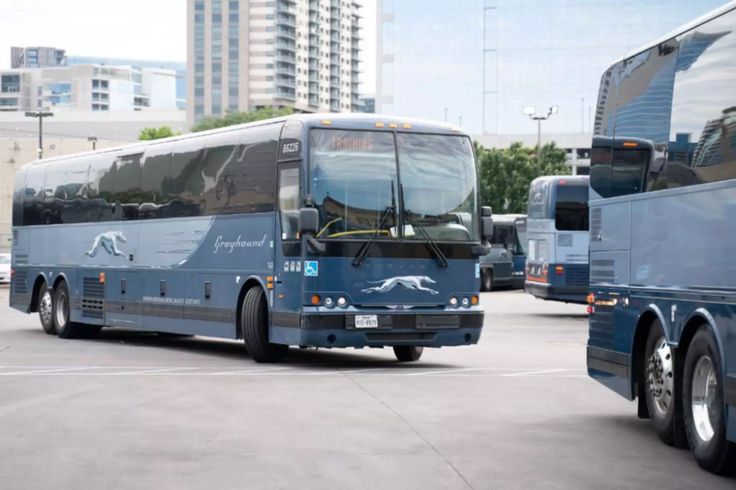
Staying Connected While Traveling Across the United States
Greyhound routes can pass through densely populated cities as well as rural areas. This geographic variation means connectivity can change during the journey.
A passenger traveling through major metropolitan areas may experience different network conditions from someone traveling through remote highways.
That is why Greyhound onboard Wi-Fi should be viewed as a useful travel amenity rather than guaranteed high-speed broadband.
FAQ About Greyhound Onboard Wi-Fi
Does Greyhound have onboard Wi-Fi?
Wi-Fi availability can depend on the specific bus and service. Passengers should check current Greyhound information for their particular journey rather than assuming every bus provides identical connectivity.
How does Greyhound Wi-Fi work?
Onboard Wi-Fi relies on an internet connection available to the bus, which can be affected by mobile coverage, route conditions, network congestion, and other technical factors.
Can I work using Greyhound internet?
Yes, onboard connectivity can be useful for lightweight work such as emails, documents, messaging, and research. However, travelers should avoid relying on it for critical tasks that require uninterrupted high-speed internet.
Can I use my phone while connected to bus Wi-Fi?
Yes. Smartphones, tablets, and other compatible devices can generally connect to available onboard Wi-Fi. Your cellular connection can also serve as a backup where mobile coverage exists.
Should I download things before a Greyhound trip?
Yes. Downloading important documents, entertainment, maps, and other resources before departure is a smart way to prepare for potential connectivity interruptions.
Conclusion: Stay Connected on Your Greyhound Journey
Greyhound onboard Wi-Fi can add convenience to long-distance bus travel by helping passengers stay connected, communicate, browse, and complete lightweight work while traveling across the United States. However, connection quality can vary depending on route, coverage, network demand, and equipment.
The smartest approach is to combine Greyhound Wi-Fi with good travel preparation. Charge your devices, carry a power bank, download essential content, save important documents offline, and keep mobile connectivity available as a backup.
Planning your next long-distance bus journey? Explore Greyhound’s travel options and prepare for a more connected trip.